About twice as bright
Up to the level Apple rates your display to hold across the whole screen.
Your MacBook Pro's display can go about twice as bright as macOS normally allows. Highbeam turns the rest on.
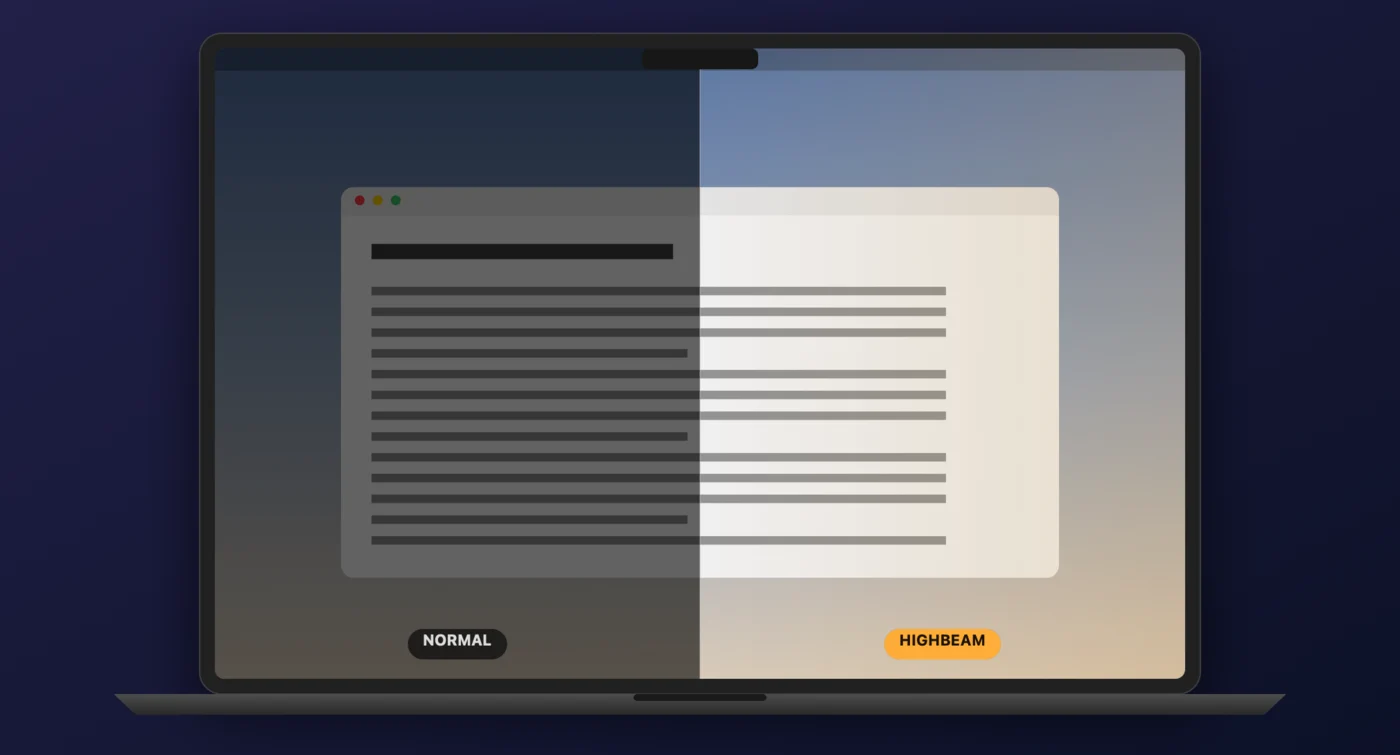
Highbeam spends brightness your display already holds in reserve for HDR. Screens without that reserve have nothing to unlock.
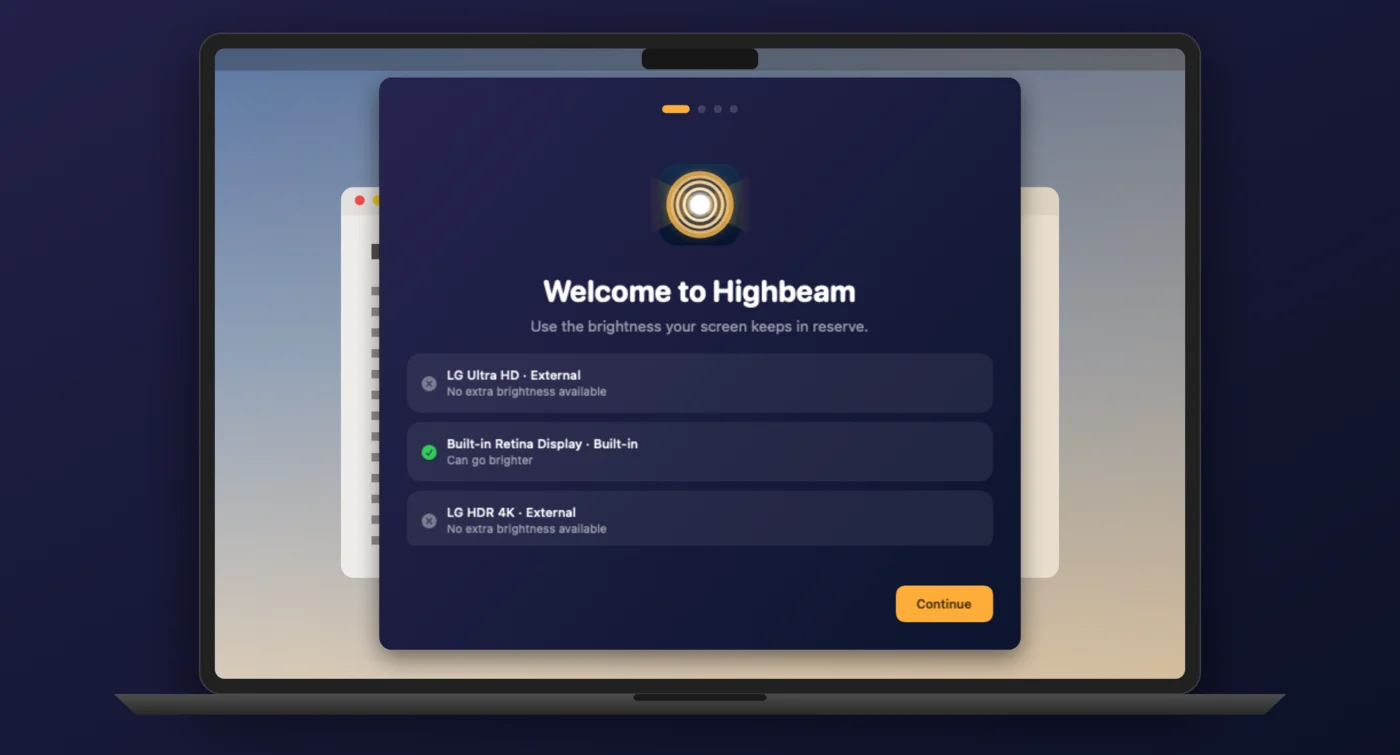
Highbeam checks your displays the first time you open it and tells you plainly, before you pay. The free mode brightens half your screen for a minute at a time, so you can see the result on your own Mac first.
No Dock icon and no window in the way. Pull the slider for less, or pick Night, Indoor or Sunlight and get on with your work. A keyboard shortcut turns it off the moment a film starts.
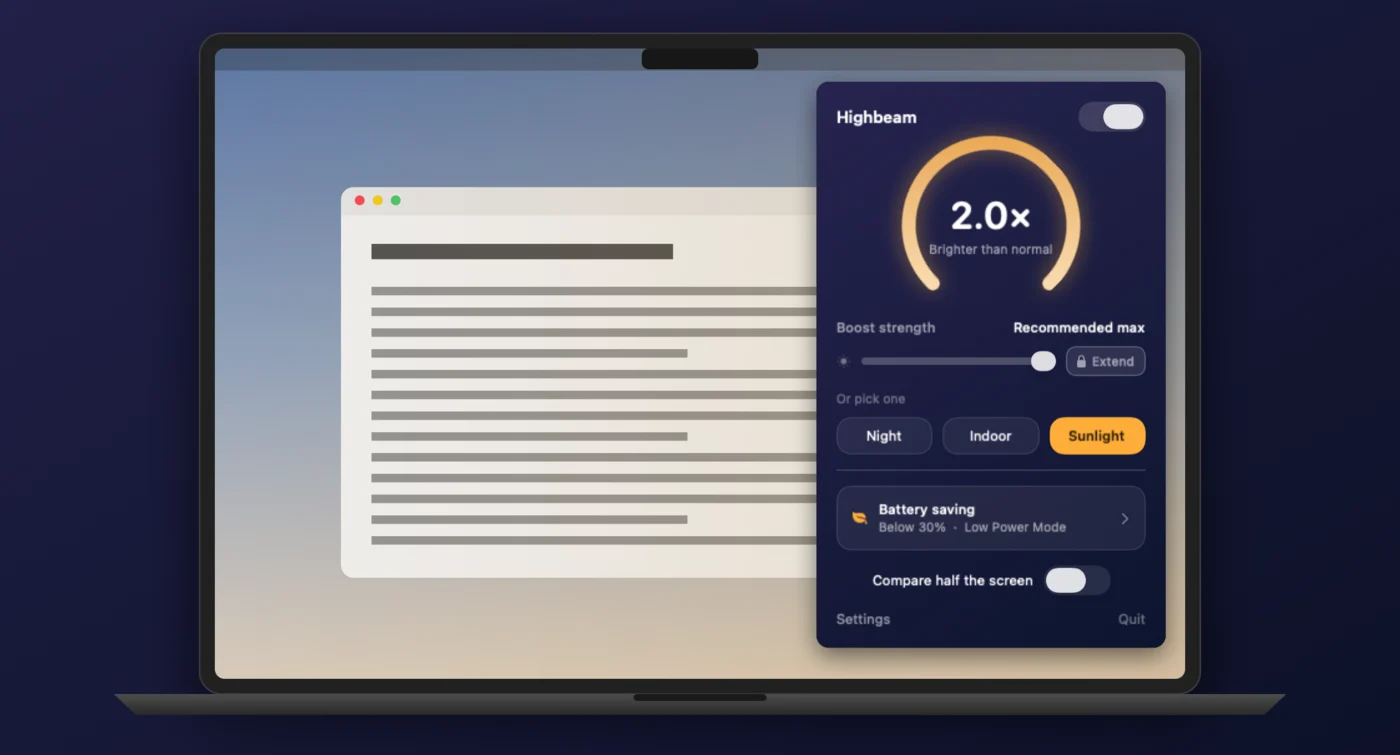
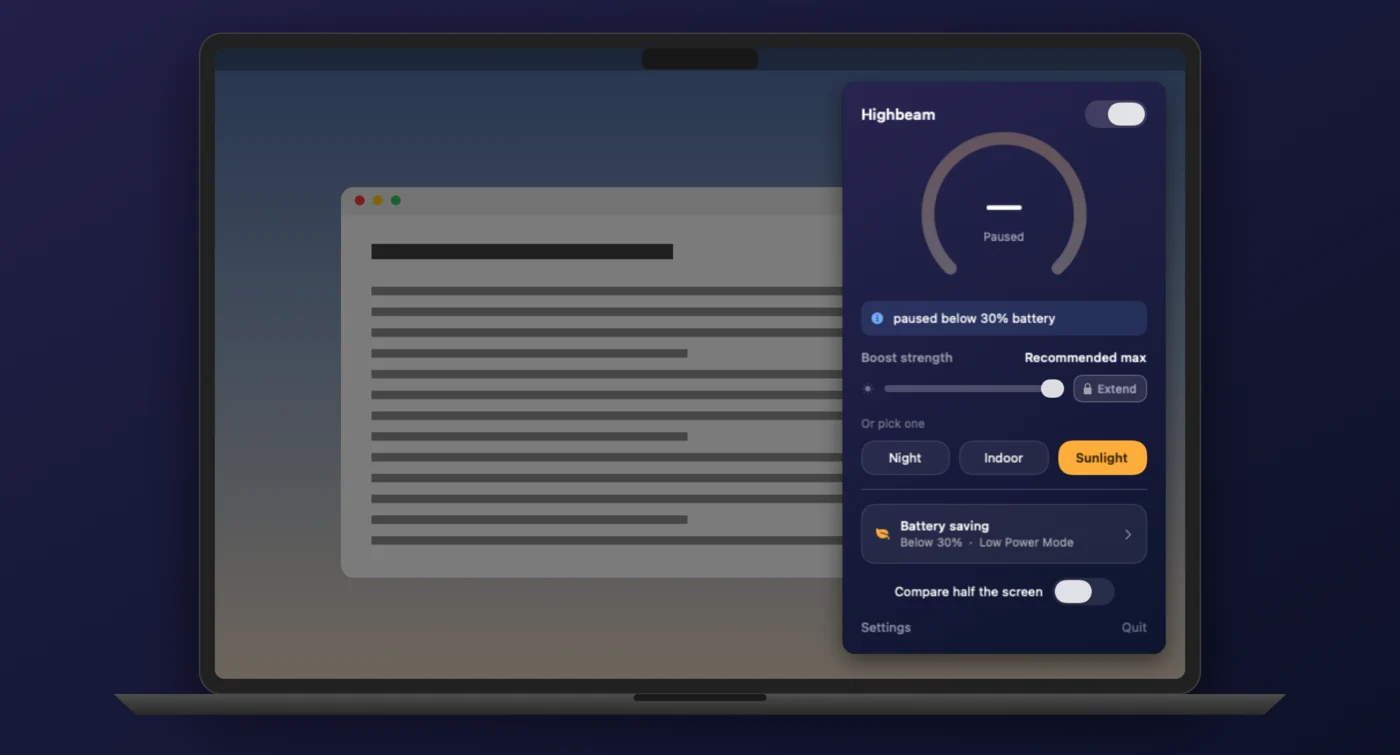
A brighter screen costs power, so Highbeam stands down on battery, below a level you choose, in Low Power Mode, or after a set time. It pauses rather than switching off, and comes back on its own. The reason is always shown.
Highbeam lists every display you have and marks which ones can go brighter - externals included, even when the answer is no. You know what you are buying before you buy it.
Up to the level Apple rates your display to hold across the whole screen.
Night, Indoor and Sunlight, for when you would rather not think about it.
Brighten one half and see the difference against the other, side by side.
On battery, below a level you set, in Low Power Mode, or after a set time.
Turn it on and off without reaching for the menu bar.
It never appears in screenshots, screen recordings or screen sharing.
Optional, and off until you ask for it.
No account and no analytics. The app has no network access at all.
$2.99 once, tied to your Apple Account. No subscription, ever.
Highbeam stays inside the brightness Apple rates your display to sustain, and macOS keeps control the whole time. That is not the same as free.
A brighter screen draws more power and runs warmer. That is why the battery rules exist, and why they are on by default.
Highbeam spends the range your display saves for HDR highlights. Turn it off for films and colour-critical work.
The display is LCD, not OLED. Long stretches at high brightness age the backlight faster, but nothing gets burned in.
Your display is rated for 1600 nits, but macOS only ever gives ordinary apps about 500. The rest is held in reserve for HDR highlights - a photo or a film can use it, but your email cannot. Outdoors, 500 nits loses to daylight.
It asks macOS for the extra range your display already keeps for HDR, then spends it on everything on screen instead of only HDR content. It uses public system APIs and changes no system settings. Quit the app and your screen returns to normal at once.
The 14-inch and 16-inch MacBook Pro with the Liquid Retina XDR display (M1 Pro or M1 Max and later), and the Pro Display XDR. It does not work on the MacBook Air, the 13-inch MacBook Pro, the Studio Display, the iMac, or most external monitors, because those screens hold no extra brightness to unlock.
Highbeam stays within the brightness Apple rates your display to sustain, and macOS keeps control - it reduces the range when your Mac gets warm or the battery runs low, and Highbeam follows. A brighter screen does use more power and run warmer, and long stretches at high brightness age the backlight faster. There is no burn-in risk, because the display is LCD and not OLED.
A brighter screen costs power, so Highbeam turns itself down. By default it stands down below 30% battery and in Low Power Mode, and you can also pause it on battery entirely or after a set time. It pauses rather than switching off, so it returns on its own.
No. The overlay Highbeam draws is excluded from screenshots, screen recordings and screen sharing, so your captures look normal.
The app is free to download and free to try - the demo brightens half your screen so you can confirm it works on your Mac. A one-time $2.99 purchase unlocks the full screen. There is no subscription.
Still stuck? Read the support page or email [email protected].
Free to try on your own Mac. $2.99 to keep it.